


How to Read an LCD Datasheet Without Getting Overwhelmed

Struggling to understand LCD datasheets? Here’s a simplified guide to the specs that actually matter.

Let’s be honest: LCD datasheets can be overwhelming.

Rows of tables. Cryptic abbreviations. 12-page PDFs with no clear answer to: “Will this work in my product?”

At 4D LCD, we help engineers and product designers focus on what really matters and skip the fluff.

Here’s a plain-English guide to reading an LCD datasheet.

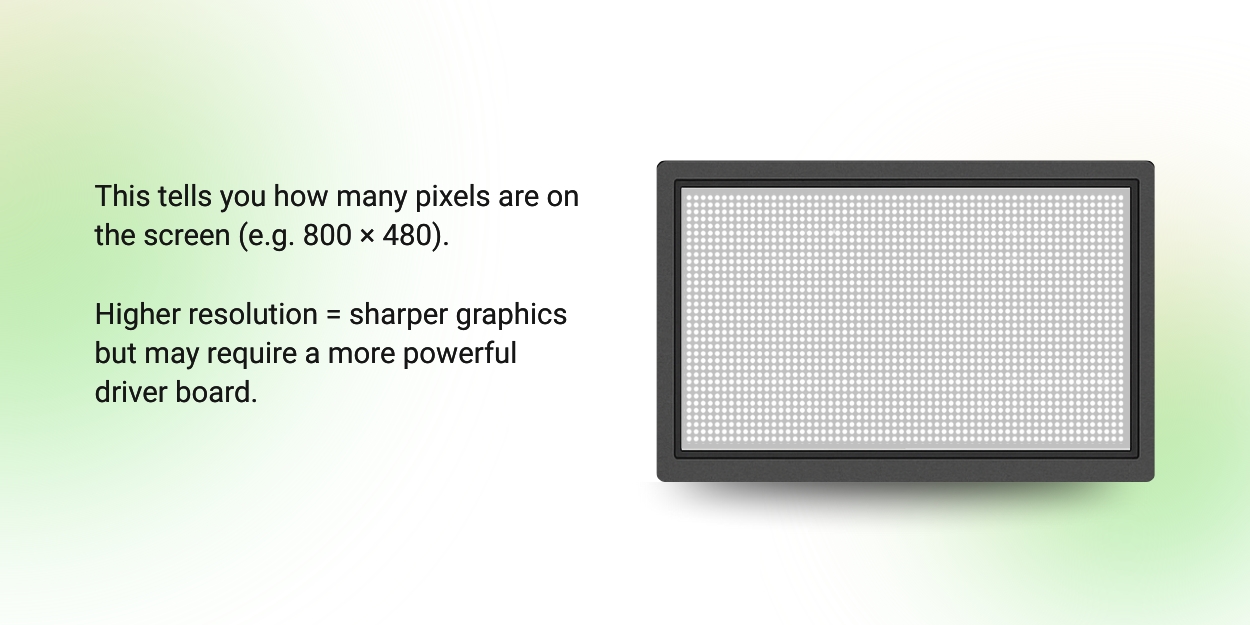
1. Resolution (Dots)

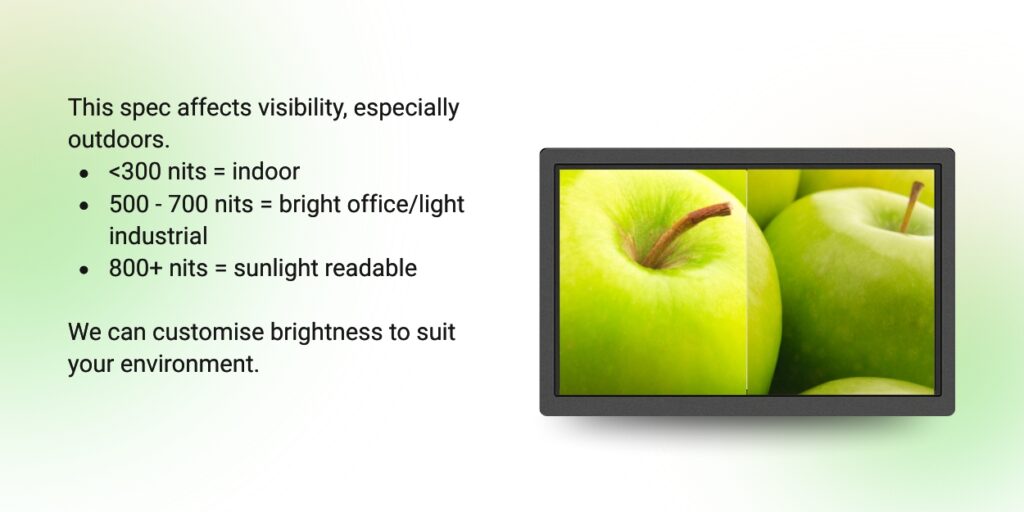
2. Brightness (cd/m² or “nits”)

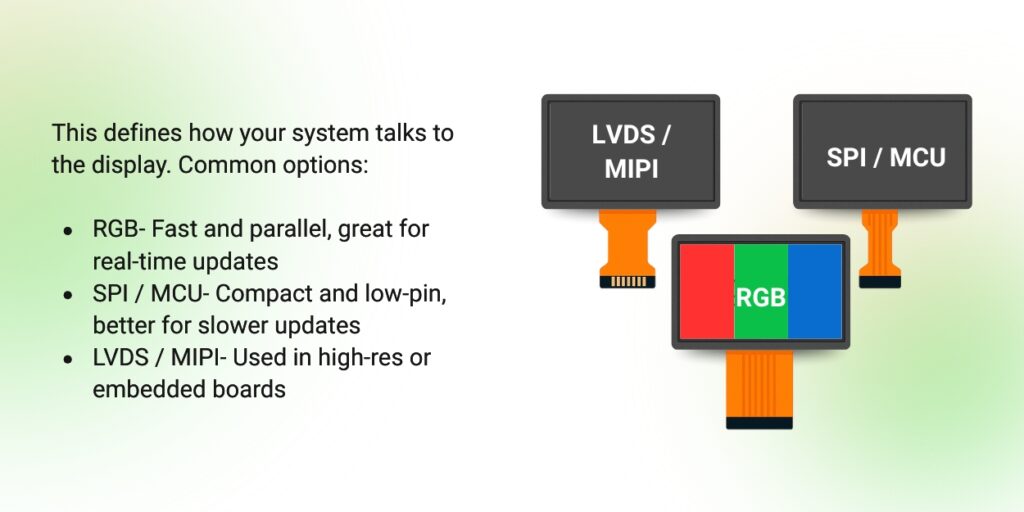
3. Interface

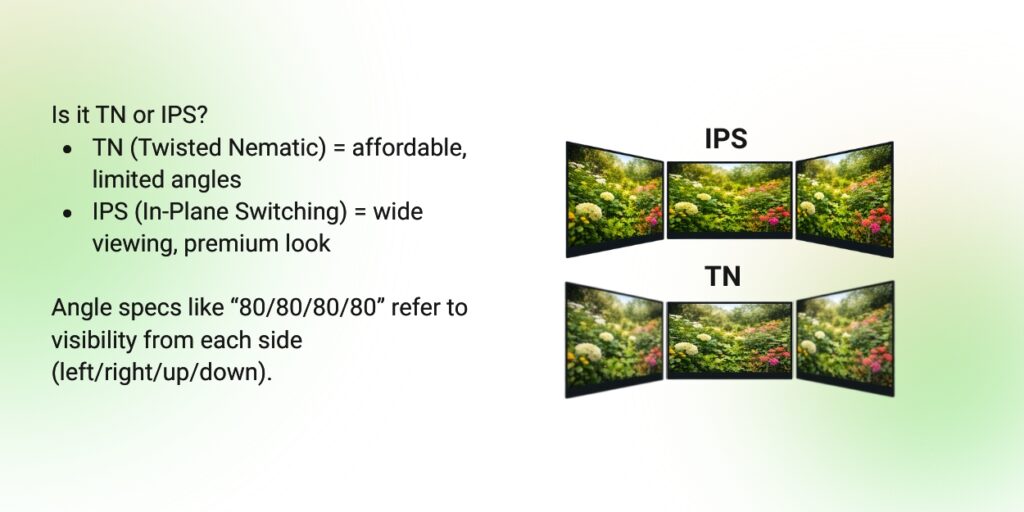
4. Viewing Angle & Display Type

5. Outline & Active Area

Bonus: Mechanical & Environmental Specs


Other useful specs include:

  • Operating temperature range
  • Connector type & pinout
  • Backlight lifetime (often in hours)

Don’t hesitate to contact our team if something’s unclear, we’ve seen it all before.


Reach out if you want help interpreting a specific datasheet or need a custom version.

Share this post

Scroll to Top